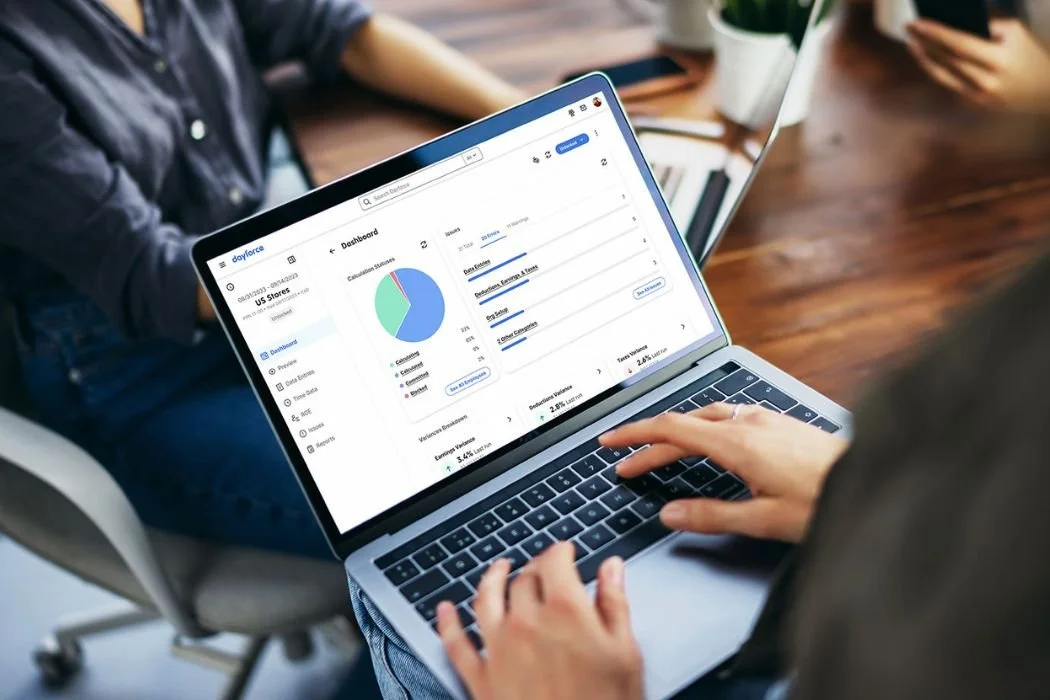
The Time & Scheduling Overview is the central hub for an employee's working life inside Dayforce — the first place a worker goes to understand what's on their plate, what they've requested, and what's coming up.
At the top, a calendar surfaces the employee's scheduled shifts for the current week, with enough detail per shift to act on: times, location, department, and whether anything needs attention. Employees can also navigate forward to see upcoming weeks, giving visibility beyond just what's immediately ahead.
Below the calendar, a timesheets widget and time away requests give employees a snapshot of their logged hours and any pending or approved leave requests — useful for keeping track of the week without having to dig into separate sections. Alongside that, time-off balances show what's available across leave types, so employees have the full picture when they're deciding whether to submit a request.
The foundation of this dashboard was scoped and designed while I was on parental leave and before I joined the project. My involvement was in refining and DQA-ing the implementation alongside developers — making sure what shipped matched what was designed — and in building the new experiences layered on top of it. Availability, Attendance, and Shift Actions all live here too, integrated into the same surface that employees were already using.
Availability Management
Employees needed a way to communicate when they can work that actually reflected how their schedules work in real life — not just a fixed weekly pattern, but default routines, one-off changes, and shift preferences all in one place. I kicked off the project with user interviews, which surfaced consistent pain points around fragmented tools, tedious day-by-day entry, and no visibility into submission status. The result is a calendar-based availability experience with four distinct flows — default availability, overrides, a full history view, and preferred shift options — each designed around a specific type of change an employee actually needs to make.
View case study →
Attendance Visibility
Employees had no clear way to understand where they stood with their organization's attendance policy unless someone told them — usually not good news. Starting with an audit of the existing Dayforce attendance screens, I identified what was fragmented and what was missing, then redesigned the experience as a dedicated section within the T&S Overview. The Attendance widget surfaces an employee's current incident score, recent trend, and the next policy milestone at a glance, with a full history page available one tap away covering incidents, violations, and a year-view calendar.
View case study →
Shift Actions — Offer & Swap
Employees trading shifts with each other is one of the most common scheduling needs in hourly work — and one of the least well-supported in most enterprise systems. I worked through a thin initial brief, rebuilt the requirements from the ground up, and designed the employee-facing flows for Shift Offer and Shift Swap through to hi-fi and dev-ready quality. A key part of the work was defining the shift states consistently across all three parties — the employee initiating, the employee receiving, and the manager — so that every state in the flow communicated the right thing to the right person at the right time.